
Chapter Text
Hey, so there is a new thing in the web developer world that is slowly being rolled out to the major browsers that has made it so you can permablock specific tags on AO3 using a site skin. Yes, really. Currently it is working in safari, chrome, and firefox, though firefox and desktop chrome you have to enable a flag to allow it due to it being experimental on the current (non-beta) versions everyone has. I'll cover how to do it, plus how to enable the flags.
So the new thing is a pseudo-selector called :has(). A generic example using it might be
.blurb:has(a) {
color: blue;
}
That would make all work blurbs that have any link (which they all will of course) turn the main text blue. It's a good way to test if you have the :has() flag enabled. Here is what a work search would look like with that code:
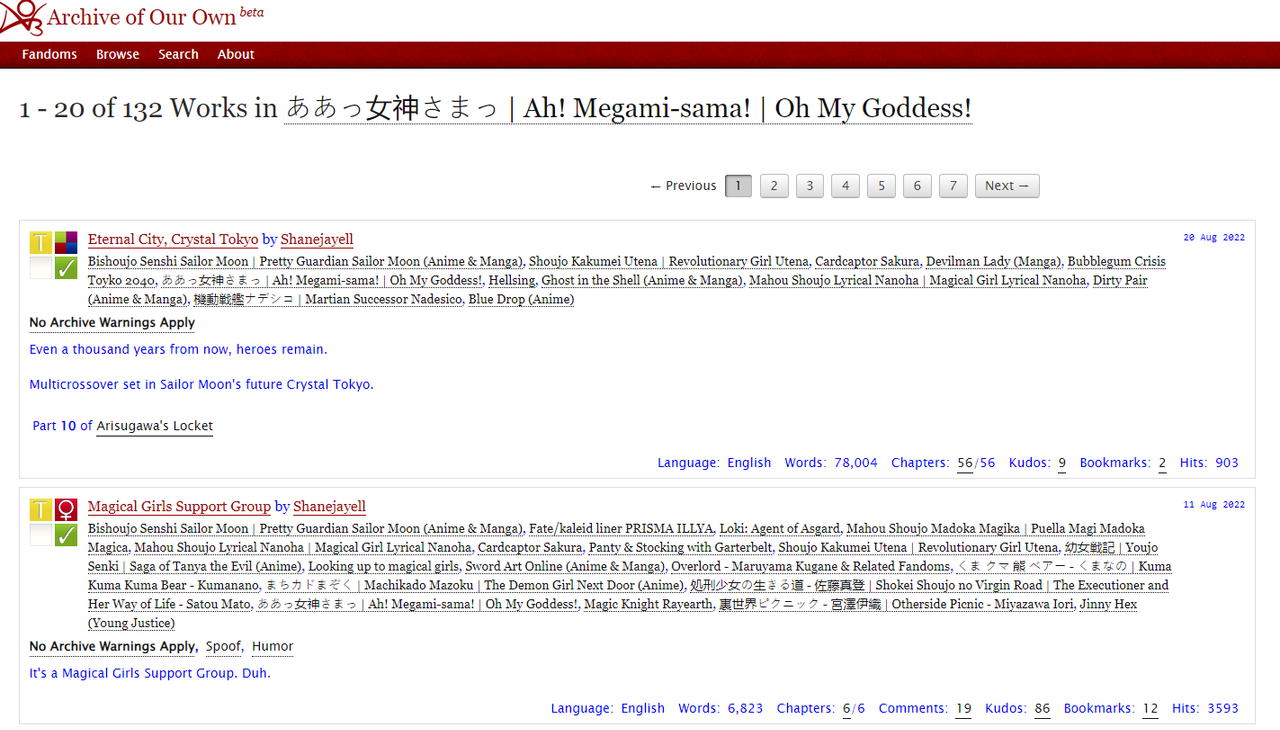
Scroll to the flag enabling section at the end if yours doesn't have blue text where mine does.
Now, the next part is to get the actual link to the tag you want to block. This is fairly straightforward, just right click/long press the tag you don't want to see anymore and copy the link. Somewhat important that you don't just click the link and copy from the url bar at the top. This is because the way we are checking which tag is going to be blocked requires the exact link, not whatever it redirects to. So, sadly, you can't utilize wrangled top-level tags to block their subtags or synonyms.
(For example, if you block the tag Romance, it will block things tagged with "Romance", and not things tagged with "Courtship", "a bit of romance", or "summertime love", which are all part of the Romance tag tree, either as subtags or synonyms)
You can however block non-canonical tags. Also, as a commenter pointed out, there is an option for string matching which I'll lay out further down.
So the link you got will look something like https://archiveofourown.org/tags/Drama/works
You will want to remove the https://archiveofourown.org part, leaving only the /tags/Drama/works part.
Then change the first line of your css code from before to say
.blurb:has(a[href$="/tags/Drama/works"]) {
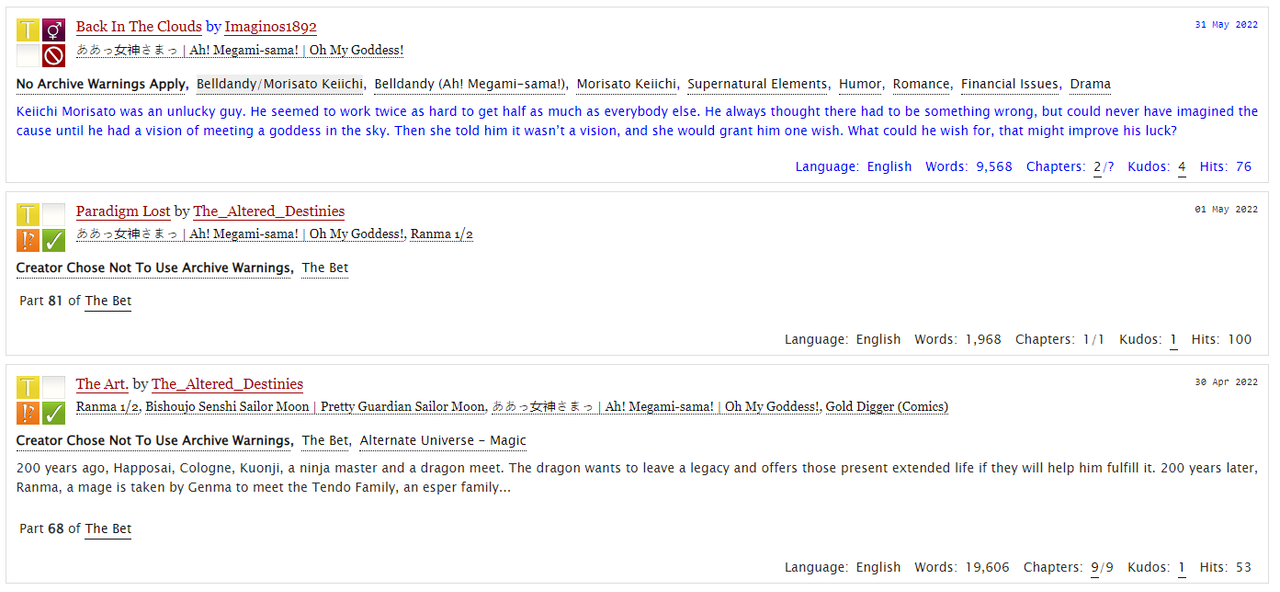
This will change it so only the blurbs with the tag you chose will have the blue text. Here is how that would look:
*New Section Added* Of course, just blocking singular tags is great but sometimes you want to block more general things. Maybe it's all things tagged with a certain character in any relationship, or reader inserts, or just anything that might mention a certain trigger word, even if the tag is saying "No [trigger word]". It's up to you. For that, we need to modify the lookup line ever so slightly and can then remove parts of our link.
xianvar in the comments gave an example of reader and you relationship tags. That code is as follows (slightly altered to make it non-case sensitive):
.blurb:has(a[href*="*s*You/works" i]),
.blurb:has(a[href*="*s*Reader/works" i]),
.blurb:has(a[href*="/tags/Reader*s*" i]),
.blurb:has(a[href*="/tags/You*s*" i])
The change comes in by changing the href$= to href*=.
For any relationship tag, you're going to want to do both halves of the tag so out of order tags will be picked up and blocked too.
Here is how a search page will look if you do the above code, when specifically searching for the tag "Reader Insert" as an additional tag.
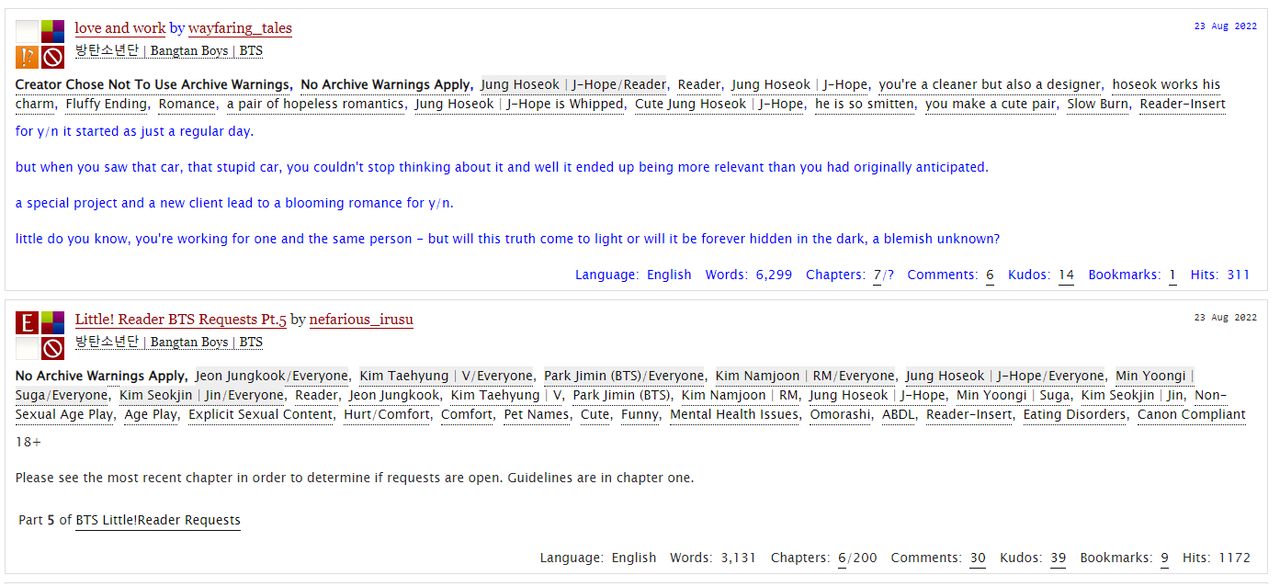
Note that because we included the *s* (/) from the relationship tags in the code, it doesn't pickup the one that is tagged with "Reader" and "reader-Insert" without using a reader relationship tag. If you wanted to block everything tagged with a tag that included the word 'reader' you would just leave off the *s*.
*End new section*
Then just change your color:blue line to not display
display: none !important;
So the full code reads like
.blurb:has(a[href$="/tags/Drama/works"]) {

display: none !important;

}
Make sure you are copying the url correctly. A lot of characters have to be encoded in urls such as spaces, non-latin characters, and accented characters. You should not copy the name of the tag and assume the url will match the tag directly.
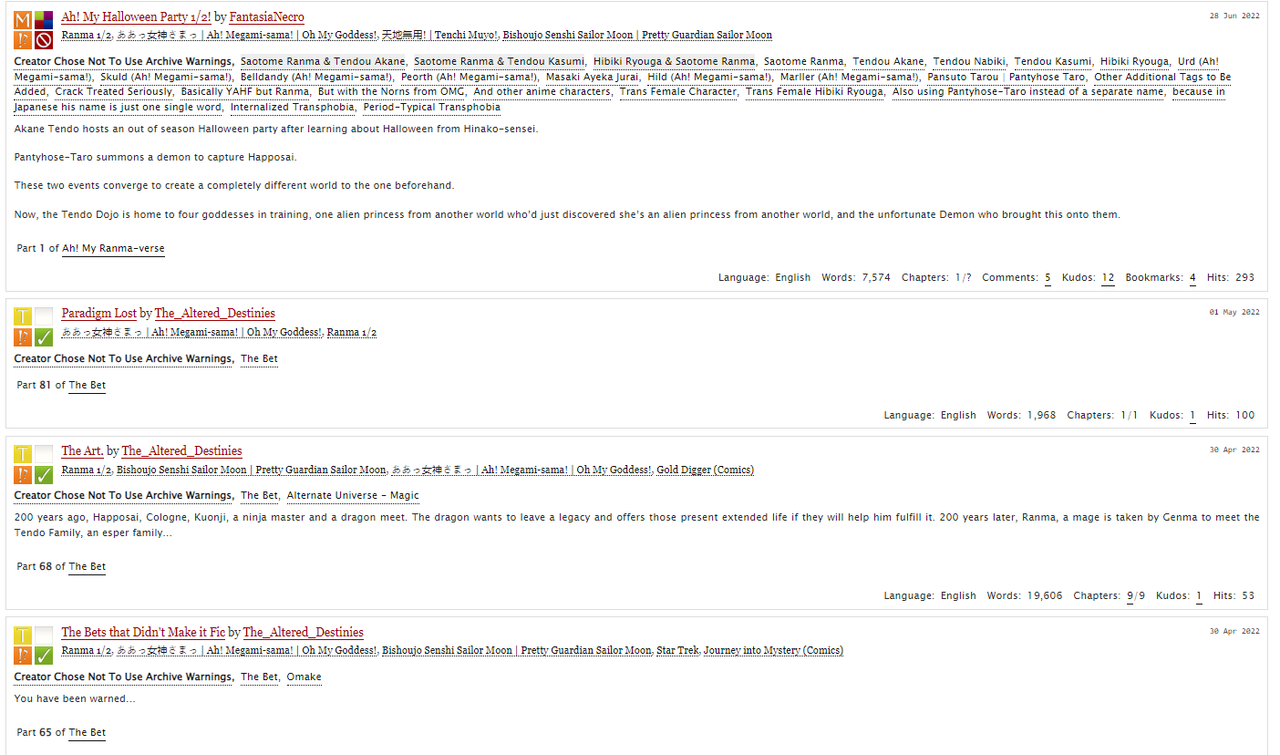
Here is a before and after of a results page where I filtered out the tags of "Drama" and the non-canonical "oops i made it dramatic" using this code (note the comma between the two tags)
.blurb:has(a[href$="/tags/oops%20i%20made%20it%20dramatic/works"]),

.blurb:has(a[href$="/tags/Drama/works"]) {

display: none !important; }
Before:
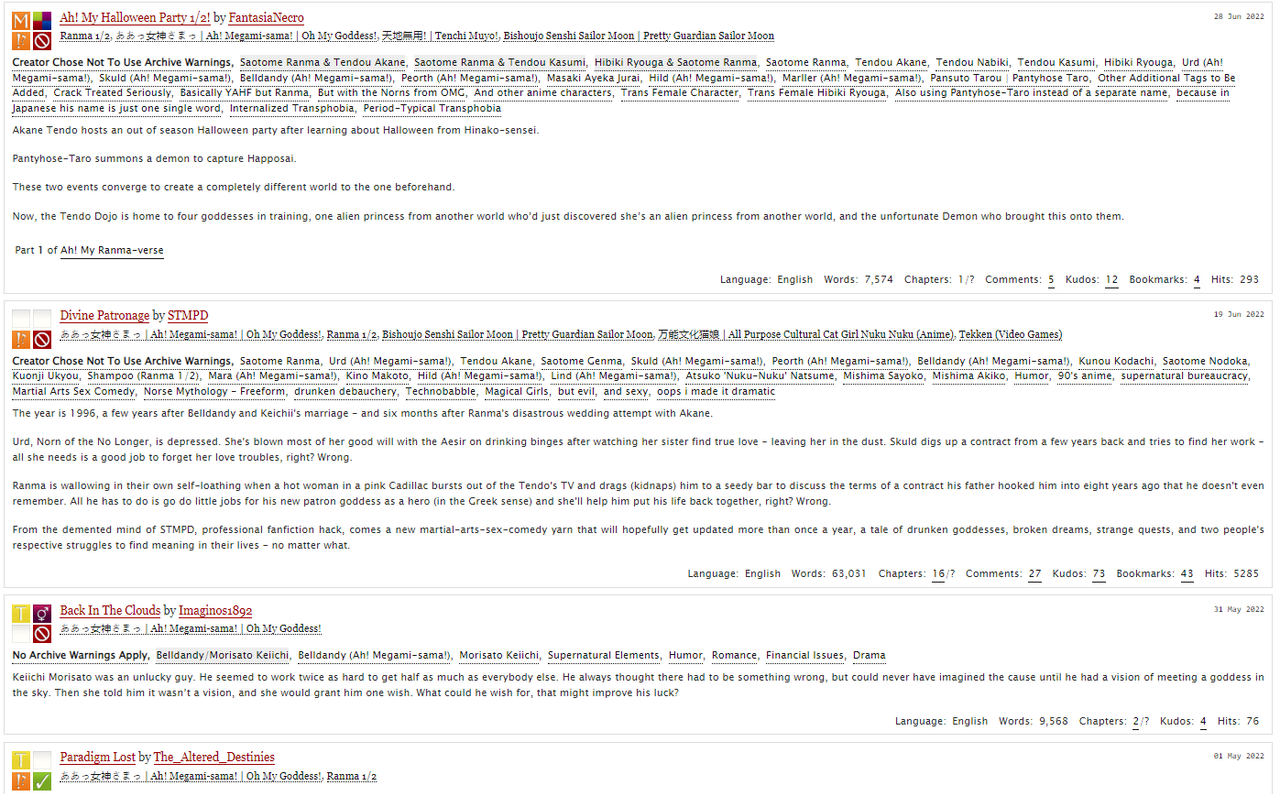
After:
Flag Enabling:
Here is how to enable the flags on chrome if you are before version 105 (desktop version, ios is already on 105 and I don't have an android to be able to check):
1: Go to chrome://flags/
2: search Experimental Web Platform features
3: enable it

And for firefox (desktop, seems to work on firefox for ios for me too)
1: Go to about:config
2: accept the instability risk warning
3: search for layout.css.has-selector.enabled
4: enable it
